Stage 4: Payments Bridgelink verified
- 0 · Roadmap
- 1 · Receipts & warranty
- 2 · Creator royalties
- 3 · B2B invoices
- 4 · Payments bridge
- 5 · Simulator
- 6 · Devnet: repeat it
- ✓ · Trust chain
- ★ · Benefits & use
Card acquiring does three things for a shop: it takes the payment, confirms it, and tells the shop's system. This model does the same on Solana with the open Solana Pay standard: a payment link or QR per order, a watcher that finds the payment by a unique reference, a strict validation, and a webhook to the shop.
The task
Let an online shop accept payments on Solana and mark orders as paid automatically, with the same reliability the shop expects from a card acquirer.
The model
- Create. For each order the shop makes a Solana Pay link with recipient, amount, token, a unique random reference address, a label and a memo
order:ID. The link becomes a button or a QR. - Pay. The customer opens it in any Solana Pay wallet and confirms.
- Find. The shop's server asks the chain for the transaction that includes the reference address.
- Validate. It checks recipient, amount, token, reference and memo. Anything wrong throws an error.
- Notify. It posts
{orderId, status: "paid", signature}to the shop's webhook. The order system ships the goods.
| Card acquiring | This bridge | |
|---|---|---|
| Confirmation | Authorization in seconds, money settled in days | Confirmed in seconds, final in about 13 seconds |
| Fee | Percentage plus fixed fee per payment | Network fee, a fraction of a cent, plus any conversion costs |
| Chargebacks | Yes: protects the buyer, risk for the shop | No: refunds are a new payment from the shop |
| Regulation | Licensed acquirer handles it | Depends on country; may require a licensed partner |
The code
File: lab/code/src/04-solana-pay-bridge.ts · Apache-2.0
// Model 4: a payment bridge for e-commerce. The shop creates a Solana Pay link/QR for an order,
// watches the chain for the payment by its unique reference, validates amount and token,
// then notifies its own order system (the same role a card acquirer's callback plays).
// License: Apache-2.0. Example code, not audited. Devnet first. Built on @solana/pay + @solana/kit.
import { encodeURL, findReference, validateTransfer, FindReferenceError } from '@solana/pay';
import { address, createSolanaRpc, generateKeyPairSigner, type Address } from '@solana/kit';

/** Tokens a shop may accept. USDC for stable prices; $WEN as an optional community payment. */
export const ACCEPTED = {
  USDC_MAINNET: address('EPjFWdd5AufqSSqeM2qN1xzybapC8G4wEGGkZwyTDt1v'),
  WEN_MAINNET: address('WENWENvqqNya429ubCdR81ZmD69brwQaaBYY6p3LCpk'),
} as const;

export interface PaymentRequest {
  orderId: string;
  recipient: Address;      // the shop's wallet
  amount: number;          // in token units, e.g. 24.99
  splToken?: Address;      // omit for SOL
  reference: Address;      // unique per order: how the shop finds the payment
  url: string;             // solana: URL to show as a link or QR
}

export async function createPaymentRequest(orderId: string, recipient: Address, amount: number, splToken?: Address): Promise<PaymentRequest> {
  const reference = (await generateKeyPairSigner()).address;   // random, never reused
  const url = encodeURL({
    recipient, amount, splToken, reference,
    label: 'Wen Open Lab demo shop',
    message: `Order ${orderId}`,
    memo: `order:${orderId}`,
  });
  return { orderId, recipient, amount, splToken, reference, url: url.toString() };
}

/** Poll until the payment appears, then validate it and call the shop's webhook. */
export async function waitForPayment(req: PaymentRequest, opts: { rpcUrl: string; webhook: string; timeoutMs?: number }) {
  const rpc = createSolanaRpc(opts.rpcUrl);
  const deadline = Date.now() + (opts.timeoutMs ?? 5 * 60_000);
  while (Date.now() < deadline) {
    try {
      const found = await findReference(rpc, req.reference, { commitment: 'confirmed' });
      // Throws if recipient, amount, token, reference or memo do not match the request.
      await validateTransfer(rpc, found.signature, {
        recipient: req.recipient, amount: req.amount, splToken: req.splToken, reference: req.reference, memo: `order:${req.orderId}`,
      }, { commitment: 'confirmed' });
      await fetch(opts.webhook, {
        method: 'POST',
        headers: { 'content-type': 'application/json' },
        body: JSON.stringify({ orderId: req.orderId, status: 'paid', signature: found.signature }),
      });
      return found.signature;
    } catch (e) {
      if (!(e instanceof FindReferenceError)) throw e;   // not found yet: keep waiting
      await new Promise(r => setTimeout(r, 1500));
    }
  }
  throw new Error(`Order ${req.orderId}: payment not found before timeout`);
}
What was verified
The payment link round-trips through the official Solana Pay parser with the same recipient, amount, token, reference and memo, and every order gets a unique reference. The watcher and validation use the official findReference and validateTransfer and are type-checked; running them against a live chain is part of the devnet stage.
Where it is useful
- Online shops selling to crypto-native customers worldwide.
- Digital goods, tickets and subscriptions where instant settlement matters.
- Payment providers and banks exploring stablecoin acceptance next to cards.
Limits and risks
- Price volatility: quote in a stablecoin or convert at checkout.
- Converting to fiat (off-ramp) has its own fees and rules.
- No chargebacks means the shop must offer a clear refund policy.
- Run your own RPC endpoint for production; public endpoints are rate-limited.
Want the numbers for your shop? Try the simulator.
Wen in pictures


Where Wen fits in this model
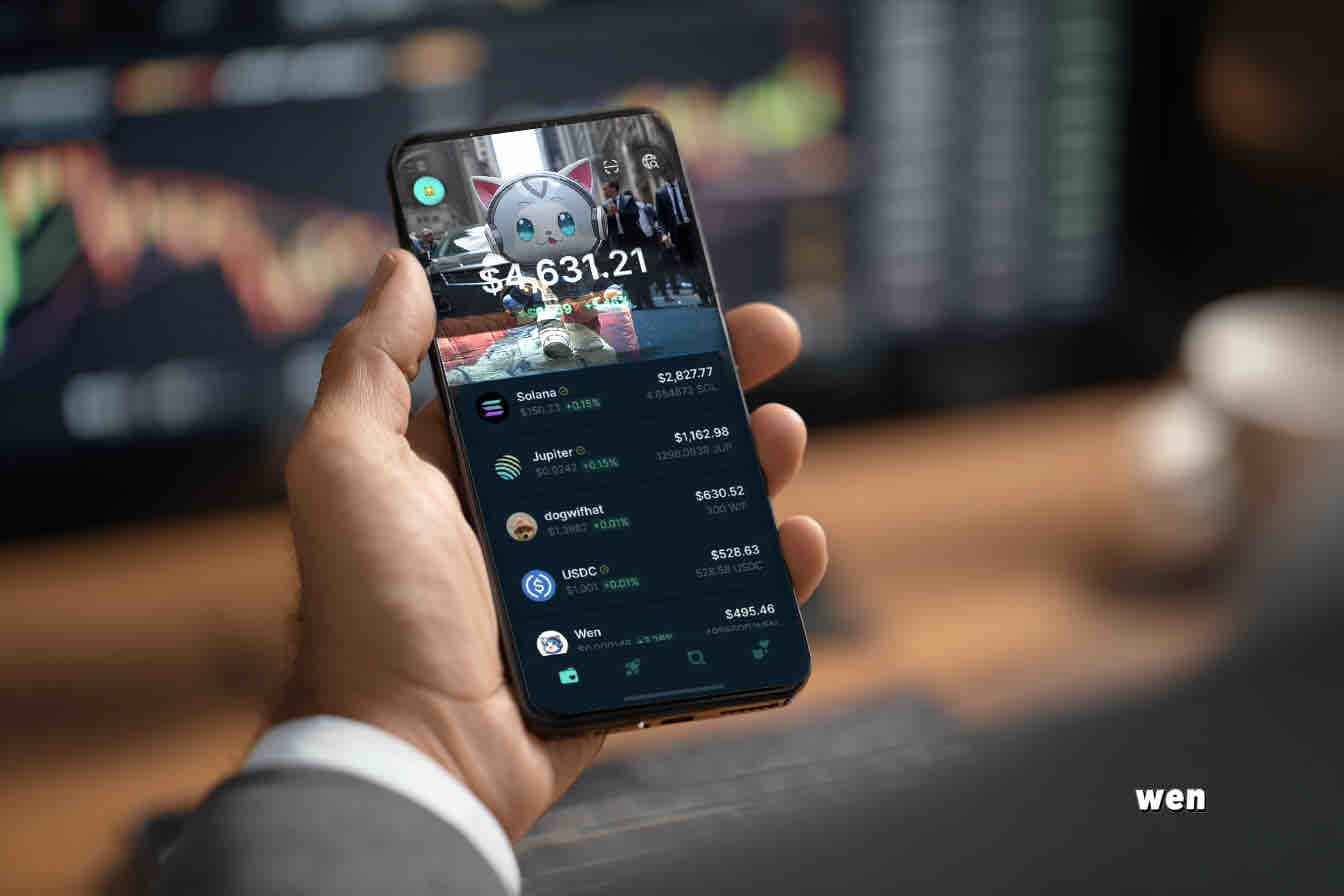
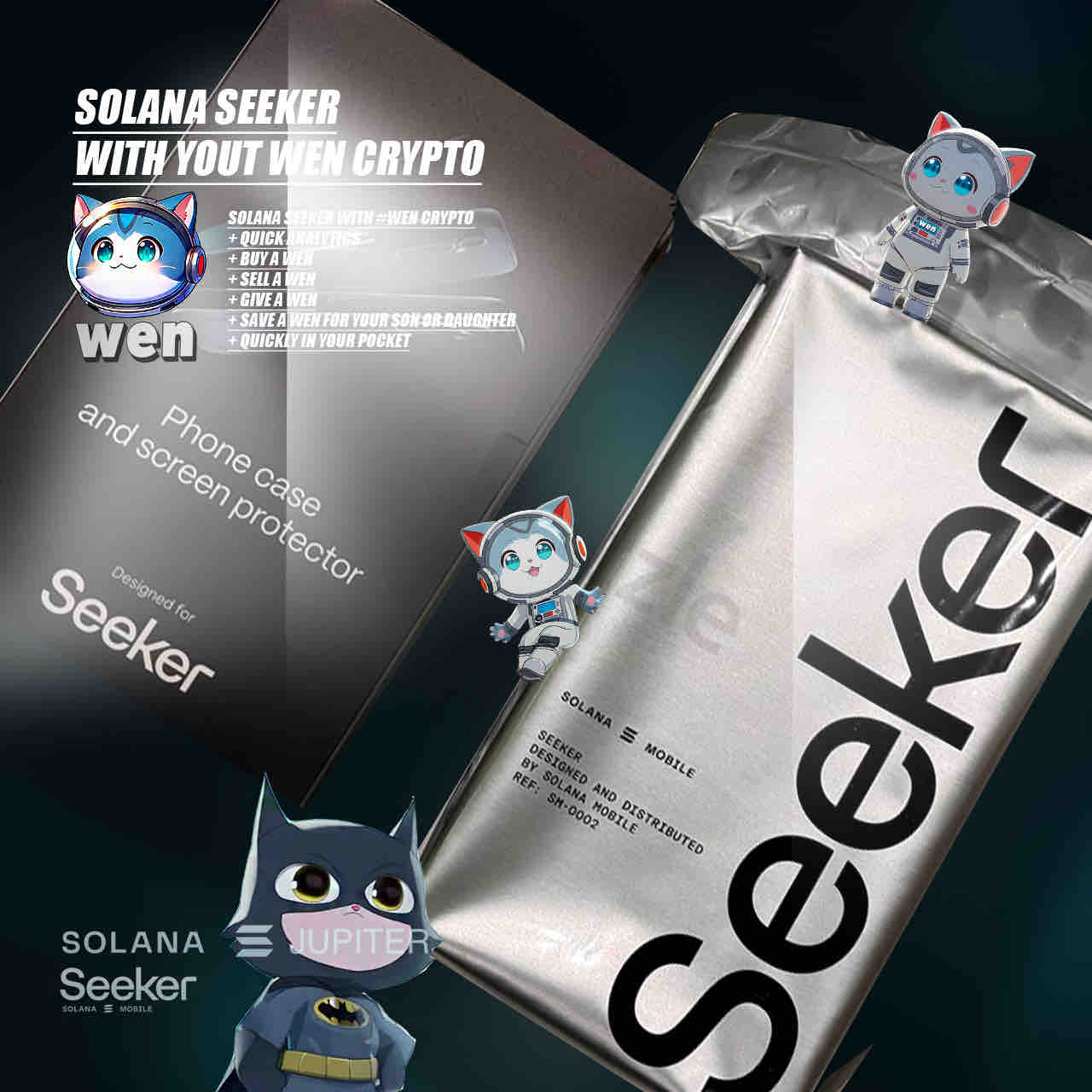
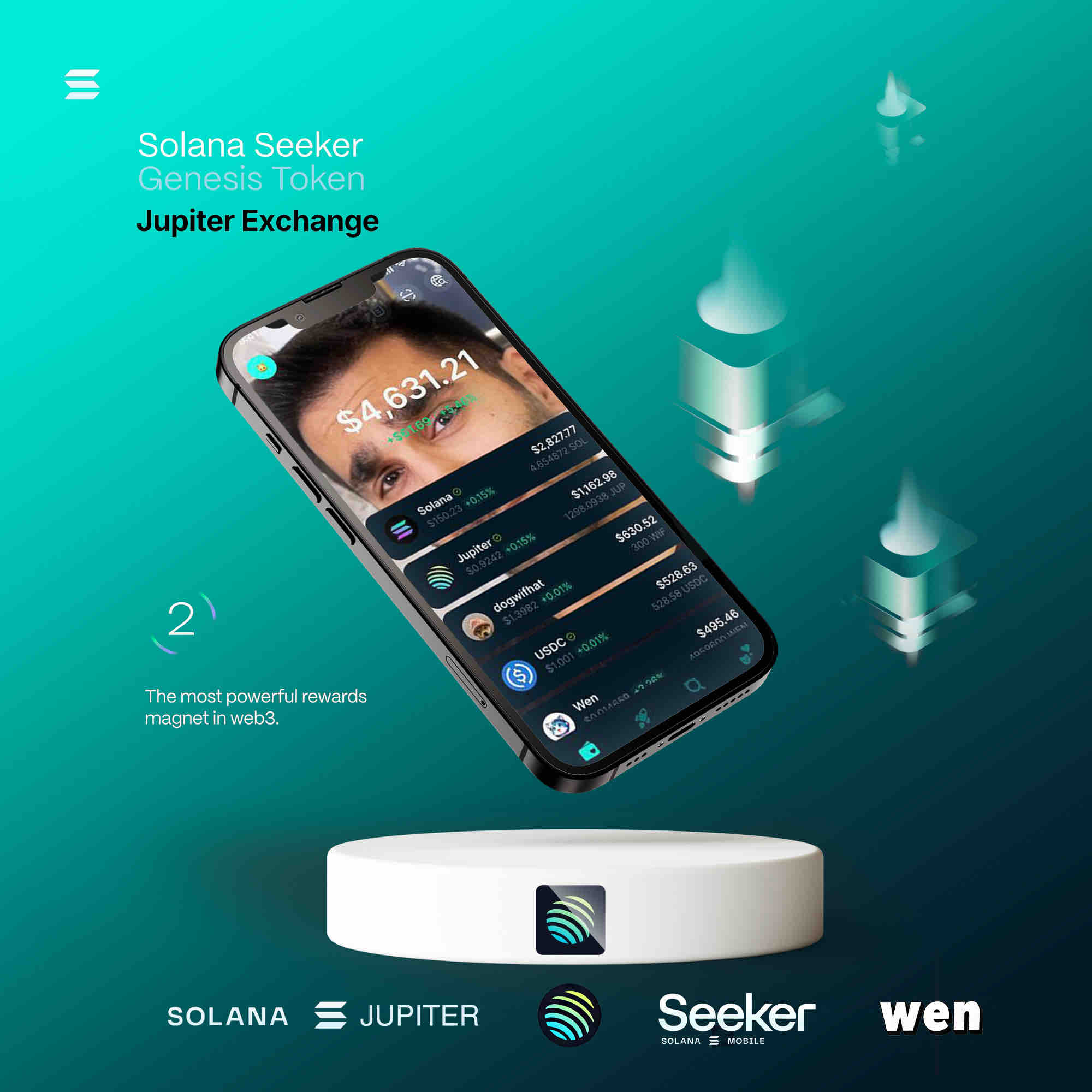
The shop chooses which tokens it accepts. USDC keeps prices stable; WEN can be offered as a community payment option, with its contract written into the code as ACCEPTED.WEN_MAINNET. Before accepting any token, check which token program owns its mint (the helper detectTokenProgram in common.ts does this) and test the full flow on devnet.
The Wen thread: one contract, everywhere
Every model in the Lab is free and open, and every one carries the same signature: the $WEN token contract. Copy it, repeat it in your own docs, and always verify it against an explorer before use.
WENWENvqqNya429ubCdR81ZmD69brwQaaBYY6p3LCpk
Open use policy
- Free and open. All Lab code is released under the Apache License 2.0, the same license as the Wen Program Library. Use it, change it, ship it, commercially or not; keep the license notice.
- Open tools only. Built on public, documented tools: Solana SPL Token-2022 (Token Extensions), the token layout of the Wen New Standard (WNS), Solana Pay, and LiteSVM for local testing.
- The rule: always verify your own model. Run the tests, start on devnet, read the official documentation, review every account and amount, and get an independent audit before any mainnet use. A model that is not checked is not a model, it is a guess.
- Not audited, not advice. These are educational examples. They are not financial, legal or tax advice, and not a licensed payment or banking product. Payments, stablecoins and acquiring are regulated activities in most countries.
- Security. Never paste a private key into a website. Do not install the npm package
@wen-community/wen-new-standard: npm removed it as malicious. Build from official sources.
Spoken by Wen, for the community. More in our editorial and data policy.
Wen Open Lab · roadmap · all code · Wen Program Library on GitHub