Stage 7.1: Receive-Only Safety57 checks · open
- 0 · Roadmap
- 1 · Receipts & warranty
- 2 · Creator royalties
- 3 · B2B invoices
- 4 · Payments bridge
- 5 · Simulator
- 6 · Devnet: repeat it
- 7 · Counter
- 7.1 · Safety
- ✓ · Trust chain
- ★ · Benefits & use
- ✎ · Ten walkthroughs
- ▶ · Videos
- ? · Reader findings
Accepting money has always been a cost line: terminals, contracts, certified apps, someone in the middle. We went deep into that market and built the opposite: a counter that can only receive. It cannot send, sign or reach your wallet, so there is nothing to steal from it and nothing to take back through it. After a payment arrives, your money is managed strictly by your own wallet.

The receive-only protocol
1 · No way out. The counter never connects to a wallet, never asks it to sign and holds no key. Refunds, transfers and withdrawals happen only inside the owner’s wallet app.
2 · Read only, in code. The page may send exactly three read requests to the chain. Any other request is blocked by the code itself before it leaves the device.
3 · No injections. No message listeners, no action links, no remote code, a strict Content Security Policy, and nothing from the network is ever inserted as HTML. No outside API can steer the counter or the wallet.
4 · Your wallet is the identity. The receiving address is checked on-chain at setup and shown on every QR screen (first and last five characters, wallet name) so the cashier and the buyer can compare it.
This is what turns a constant expense into a constant: a way to accept money that has no running cost, no counterparty and no back door.
Transparent like the solar system: the legal and financial side
The whole model fits in one picture. The Sun is the Solana network: everything moves in its light, and anyone can see it. The planets are wallets: each turns on its own axis and answers only to its owner. Wen Counter is a telescope: it watches one planet receive light and writes it down. A telescope cannot move a planet.
That is why the legal and financial mechanics live where the money lives, in the wallet:
- Ownership begins the moment a payment is confirmed in the shop’s wallet. The counter never holds funds, even for a second.
- Refunds, transfers and withdrawals are decisions of the wallet owner, made in the wallet app on a phone or a desktop, under the owner’s own controls (password, device, team approvals).
- Records are public on the chain and private in the shop’s ledger: every sale has a signature, every signature can be checked by an accountant or an auditor.
- Taxes and compliance follow the business, not the tool: the shop declares its income under its own country’s rules. The counter adds no fee, no intermediary and no hidden party to that picture.
Scale it: till wallets and daily collection
The same receive-only rule scales from one stall to a chain of stores, without a server and with almost no cost:
- One till wallet per counter. Each register gets its own simple wallet, managed by the shift manager. The counter receives into it and can do nothing else.
- Daily collection. At the end of the day the manager moves the takings from the till wallet to the company wallet, for example a Squads multisig vault, in the wallet app. One transaction, one network fee.
- Refunds from the till. During the day the manager can refund a buyer from the till wallet, within the day’s float, without touching the company wallet.
- The company holds the keys that matter. The treasury needs several approvals to move funds; a single lost phone can only lose one day of one till.
- Books by till. Each counter exports its own CSV; the company sees every till and every collection on-chain, by address and by signature.
The roadmap stays short and almost free: phones you already own, wallets that are free, one network fee per sale paid by buyers and one per daily collection paid by you.
An open note to developers and retail chains, worldwide
- Keep the till receive-only. Build around it, not into it: order systems, kitchen screens, printed QR tags, receipt NFTs, exports to accounting or ERP from the CSV.
- Put spending where spending belongs: in wallets with their own controls, such as multisig approvals and spending limits, not in the counter.
- Verify every payment by the five checks (reference, recipient, token, amount, success) and show the receiving address on screen.
- Copy freely, credit Wen. Apache-2.0 with the NOTICE: Wen Open Lab and the Wen chain. If you change the code, say it is a changed build.
- Pilot on devnet, with new empty wallets, before any real money.
What we tested, openly
Three groups of checks, all in the repository, all passing on November 12, 2026, after the shop features (numbered wallets with types, head office view, receipts, refund notes, period exports, the language dictionary) were added. Still only three read requests.
Core logic · 25 checks · node counter-core.test.js
| Check | Result |
|---|---|
| base58 round trip on 200 random keys | ✓ |
| known addresses decode to 32 bytes; junk is rejected | ✓ |
| every reference key is a valid address | ✓ |
| amounts: decimals, zero, negative and exponent forms rejected | ✓ |
| pay URL format and percent-encoding | ✓ |
| SOL payment verified | ✓ |
| underpayment rejected | ✓ |
| missing reference rejected | ✓ |
| failed transaction rejected | ✓ |
| USDC payment verified | ✓ |
| wrong token rejected | ✓ |
| first payment to a new token account verified | ✓ |
| micro-ticket rates (3 → 12.9%, 25 → 4.1%, 100 → 3.2%) | ✓ |
| savings model on a ticket mix | ✓ |
| address check: new, wallet, program, token, other | ✓ |
| turnover estimate | ✓ |
| same-day grouping for “Today you kept” | ✓ |
| export periods: day, week, month, year, last year, quarters, custom; bad dates refused | ✓ |
| refund note is “refund:” plus a valid transaction ID; junk refused | ✓ |
| buyer receipt text says “Not a fiscal receipt” | ✓ |
| wallet tag: number, type and name (#4 · Tips · Bar tips) | ✓ |
| head office view: sales grouped by wallet and token; unknown wallets kept apart | ✓ |
| head office view of an empty ledger is empty | ✓ |
| sale comment as memo: order ID plus comment, one line, at most 120 characters; on the receipt as “For:” | ✓ |
| setup PIN: 4 to 8 digits only | ✓ |
Non-control, by reading the code · 13 checks · node counter-safety.test.js
| Check | Result |
|---|---|
| no wallet provider is ever touched | ✓ |
| no connect or sign calls of any kind | ✓ |
| no keys, keypairs or seed phrases | ✓ |
| only three read requests exist, and they are allow-listed | ✓ |
| no inbound API: no message listeners, no action URLs, no remote code | ✓ |
| strict Content Security Policy: own scripts only | ✓ |
| network data is never written as HTML | ✓ |
| the offline cache never touches the chain | ✓ |
| a payment counts only when reference, recipient, token, amount and success all match | ✓ |
| interface words are bound to the core fingerprint: a translation cannot ride on a changed core | ✓ |
| interface words are written as text only, never as HTML | ✓ |
| Setup is behind a PIN: hidden until unlocked, save, new PIN and clear ledger guarded, locks when you leave, PIN kept only as a salted SHA-256 | ✓ |
| the deployment file holds parameters only (the setup PIN and the language), no code | ✓ |
Non-control, in a real phone browser · 19 checks · node browser-safety.e2e.js
The test plants fake wallets (Solana, Phantom, Solflare, Backpack, Jupiter) that record any touch, types hostile text into the shop name and note, and feeds hostile answers from the network.
| Check | Result |
|---|---|
| Setup opens locked: the wallet settings are hidden | ✓ |
| a wrong PIN is refused | ✓ |
| the deployment PIN (1111) unlocks Setup | ✓ |
| the comment travels in the pay request (message and memo), encoded, never run | ✓ |
| a hostile “signature” from the network is refused | ✓ |
| a payment to another address is rejected | ✓ |
| hostile text in shop name and note is shown as text, never run | ✓ |
| the note is stored and shown literally | ✓ |
| a receipt is offered to the buyer after payment | ✓ |
| the refund button gives “refund:” plus the original transaction ID | ✓ |
| export by period names the file by the period | ✓ |
| the sale comment reaches the CSV | ✓ |
| Setup locks again after leaving it | ✓ |
| a sale to a department wallet is verified against that wallet, not the main one | ✓ |
| the payment screen names the wallet by number, type and name | ✓ |
| the head office view adds up sales per wallet | ✓ |
| fake wallets planted in the page were never read or called | ✓ |
| only read requests reached the network | ✓ |
| no script errors | ✓ |
Rerun it yourself
cd lab/counter
node counter-core.test.js        # 25 checks
node counter-safety.test.js      # 13 checks
python3 -m http.server 8771 &
node browser-safety.e2e.js http://localhost:8771/   # 19 checks, needs Playwright
The same files ship in the kit, so a shop or a developer can check its own copy.
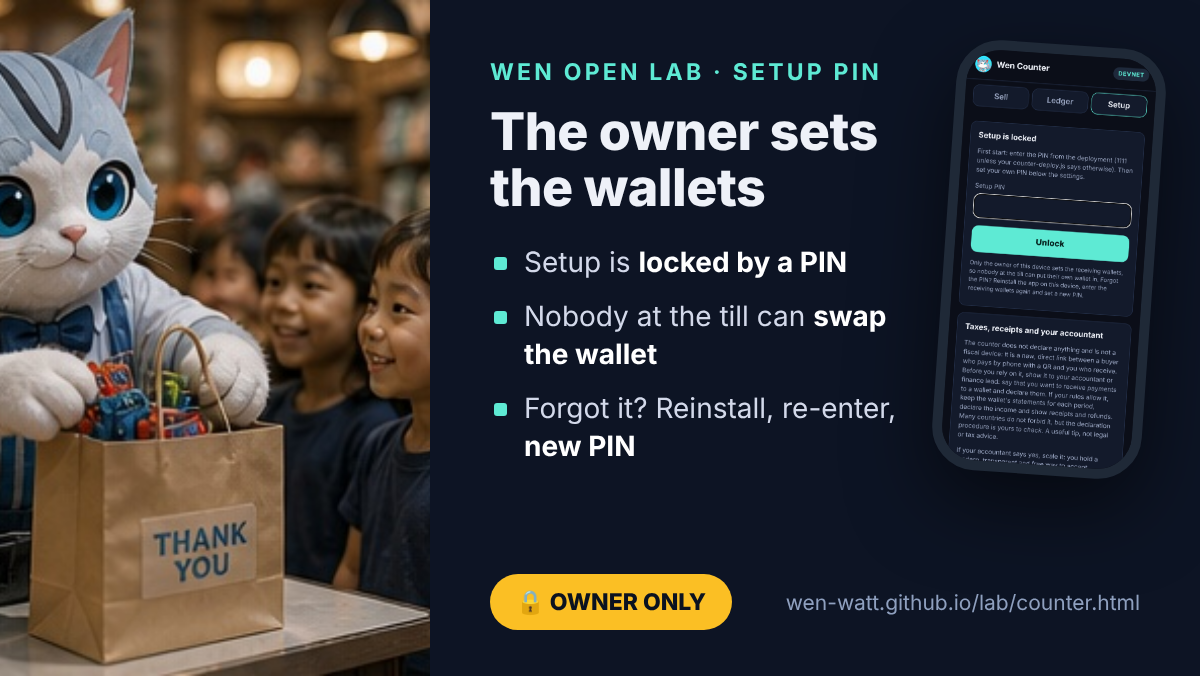
The setup PIN: nobody at the till can swap the wallet
On a shared device, the real risk is not a hacker but a person at the till who puts their own receiving wallet in. Setup is therefore locked by a PIN. The first PIN is a deployment parameter in counter-deploy.js (default 1111, public, so change it); the owner sets a new PIN in Setup. Leaving Setup locks it, five wrong tries pause it for 30 seconds, clearing the ledger needs the PIN, and the PIN is stored only as a salted SHA-256.
Forgot the PIN: reinstall the app on the device, enter the receiving wallets again, set a new PIN. A simple, safe flow. A reinstall leaves the counter with no wallet, the receiving address is shown on every QR, and the takings stop arriving in the company wallet, so a swap cannot stay hidden. The PIN locks an interface; it is not a wallet key and it cannot move money, because the counter cannot move money at all.
Open audit: check it and tell us
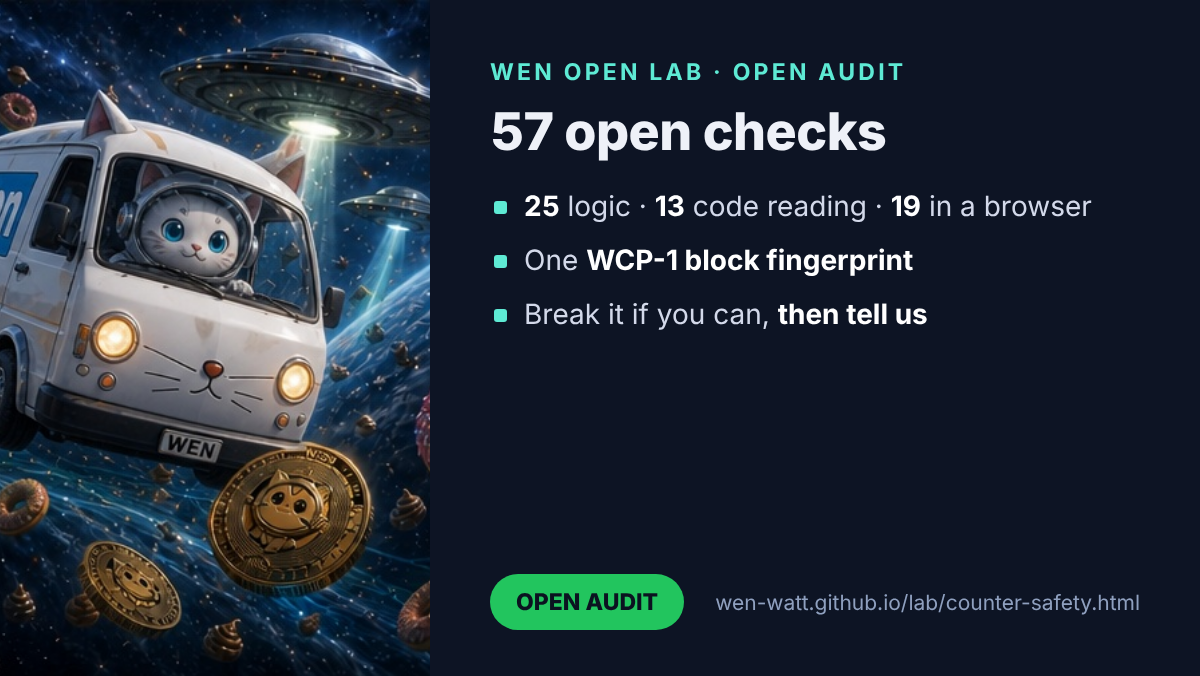
The audit of Wen Counter is open and never finished. Read the code, rerun the checks above on your own machine, try to make the counter sign, send or show something it should not, and tell us what you find: open an issue in the public repository (the link is in the sources). A finding that holds becomes a new check and a line on Reader findings, with thanks.
Responsibility of the user
You use the solution on your own responsibility. We give the mechanism; we do not know what you do with it or what you change in your copy. What we state, and what the checks above prove for the original build, is the mechanism itself: it does not take money, does not hold money and does not charge a fee. It follows the procedure of the Solana network, strictly. The wallet is yours, and you use it yourself. Receipts, refunds, records and declarations are on your side; check the procedure with your accountant.
The story of the whole solution, with every card and picture: Wen Counter: a free, open till for every shop.
Written up in full: for developers on dev.to (the code, the five-point check, the 57 checks) and for shops and finance on Hashnode (who controls the money, seven answers before you scale).
What these checks do not cover
- The code is not audited by a third party. These are our open tests, not a certificate.
- A phone that is already compromised can show anything. Use a device you trust and keep it updated.
- A fake copy of the page could show a different address. That is why the address appears on every QR screen and in the buyer’s wallet: compare the first and last five characters.
- The safety of the funds after they arrive is the safety of your wallet: protect its seed phrase, and for a team use a multisig such as Squads.
- Devnet first, with a new empty wallet. Not financial, tax or legal advice.